
Reference
LAFU Reports Pro
LAFU Reports Pro — what you unlock
The free LAFU Sales Reports for WooCommerce plugin is genuinely useful by itself — recipients, schedule, CSV + PDF, filters, custom labels. The LAFU Reports Pro add-on is for stores that need more than one report workflow, branded exports, an audit trail, and integrations.
Pro requires the free plugin to be installed and active. Pro plugs into the free engine through hooks — it does not duplicate or replace it.
What Pro adds
Multiple report profiles
Run a different schedule and different recipients per team — bookkeeping monthly, marketing weekly, a single VIP client gets their own.
Branded PDFs
Logo at the top, your accent colour throughout, a totals summary block at the bottom. Free PDFs are unchanged so the free experience stays clean.
Sales analytics (in wp-admin)
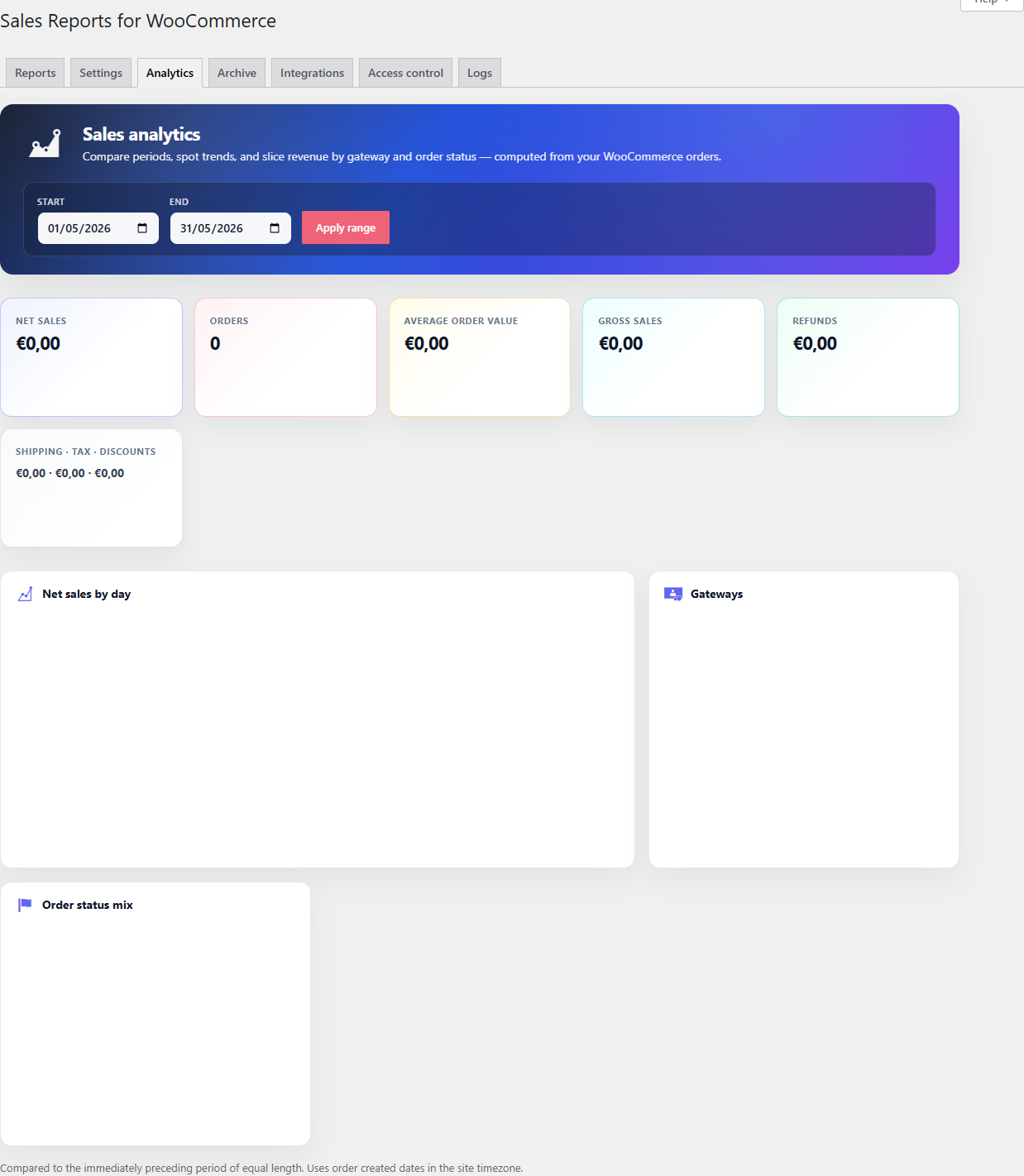
A live analytics tab on the same screen with net sales, orders, AOV, gross sales, refunds, shipping, tax, discounts, daily sales chart, gateway split, and order-status mix — comparable to the previous period of equal length.
Report archive with retention
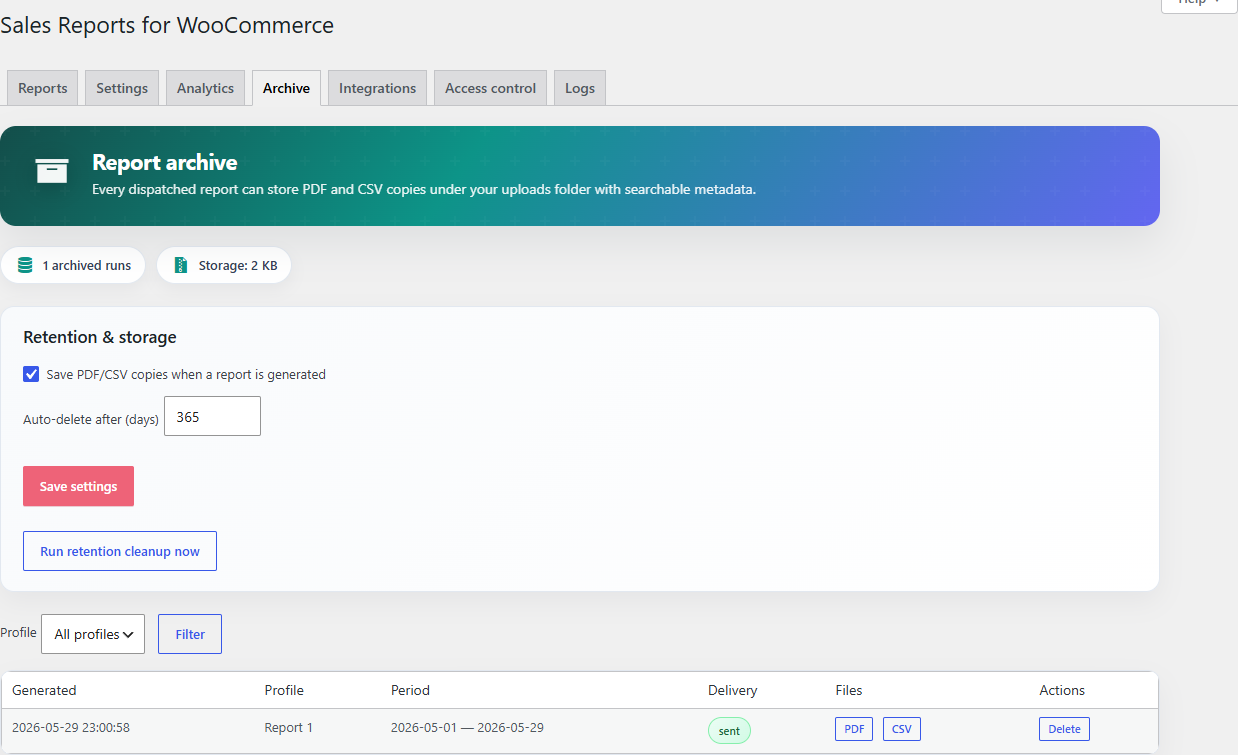
Every generated PDF and CSV is stored in a protected uploads folder with searchable metadata (profile, period, delivery status, recipients, file size). Filter by profile, set an auto-delete policy in days, re-download anything.
Integrations (incrementally landing)
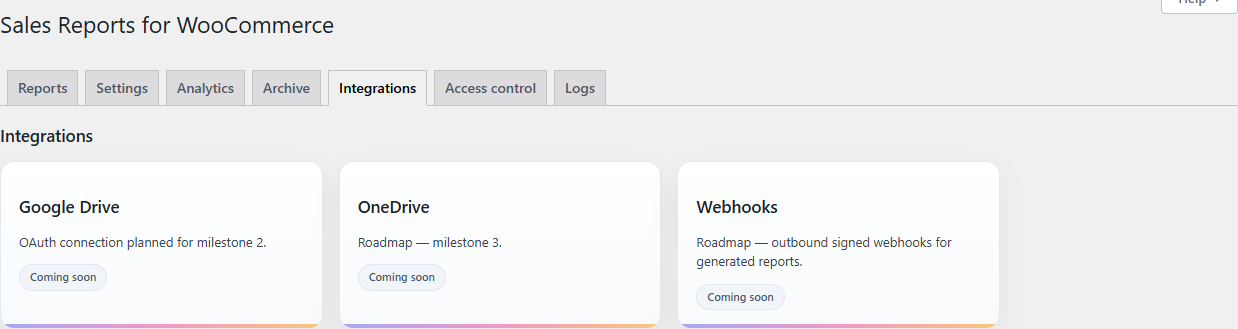
Cards for Google Drive, OneDrive, and outbound signed webhooks for every generated report — so accounting systems can pick the file up automatically.
Access control
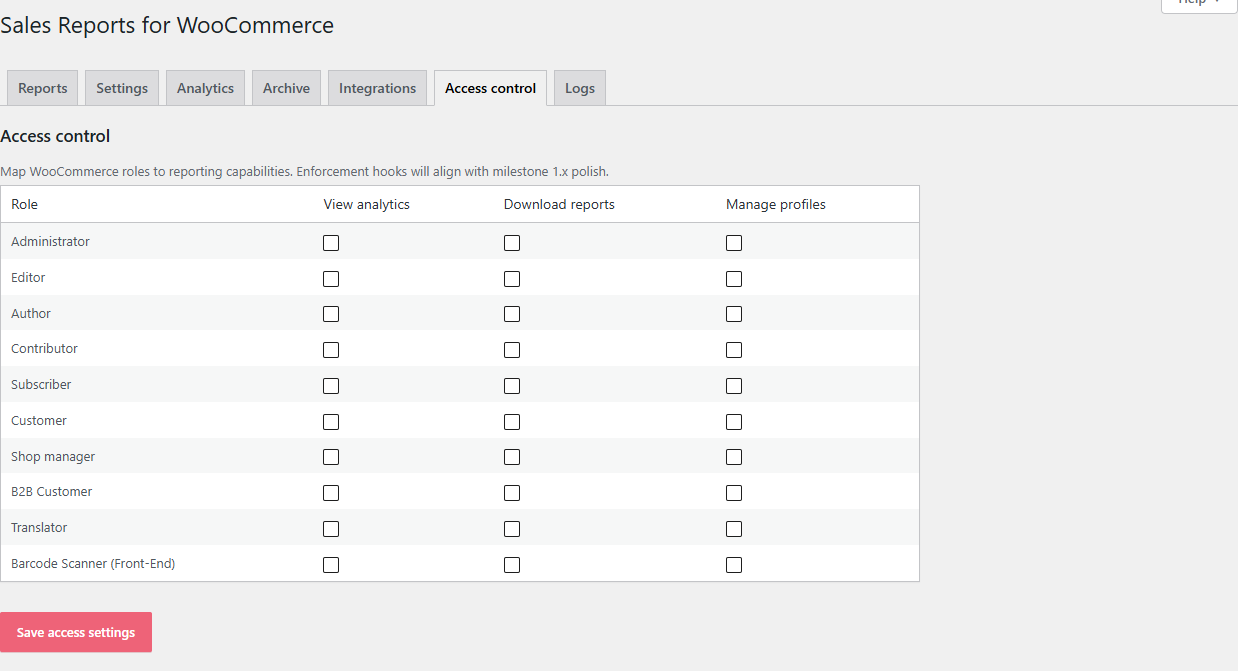
Map WooCommerce / WordPress roles to three capabilities: View analytics, Download reports, Manage profiles. Give Shop Managers analytics but not profile editing; give accountants download but no edit.
REST API
A small set of REST routes for the analytics and archive data, so dashboards / Looker / Make / Zapier can pull the same numbers Pro shows in wp-admin.
The plan
Pro lands in milestones, in this order:
- M1 (live) — multi-profile UI, branding card, archive (folder + DB table + list), analytics shell, access-control options, integrations cards.
- M2 — full analytics charts + printable PDF, Google Drive OAuth, richer archive filters, advanced scheduling.
- M3 — OneDrive, sandbox-tested accounting APIs, webhooks / Make / Zapier, agency / white-label.
Watch the public roadmap for the current state of each.
Get LAFU Reports Pro
→ lafu.fi/plugins/sales-reports-for-woocommerce
Once you buy, you get the lafu-reports-pro-for-woocommerce zip. Upload it under Plugins → Add new → Upload plugin, activate, and the Pro tabs appear right next to the free ones.
Already a Pro customer? Found a bug?
Open the project on Hollahoop. Post under Feedback, vote on what matters most, and watch it move across the roadmap. Pro customers get priority on the queue.
Improve this page
Spot something confusing or outdated? Send the docs team a private note.